How-To: Navigate the License Explorer View
Display the License Explorer view
Once you have a SQLite file loaded into ScanCode Workbench,
Click on License Explorer in the sidebar or open the View menu and select License Explorer
Select a License
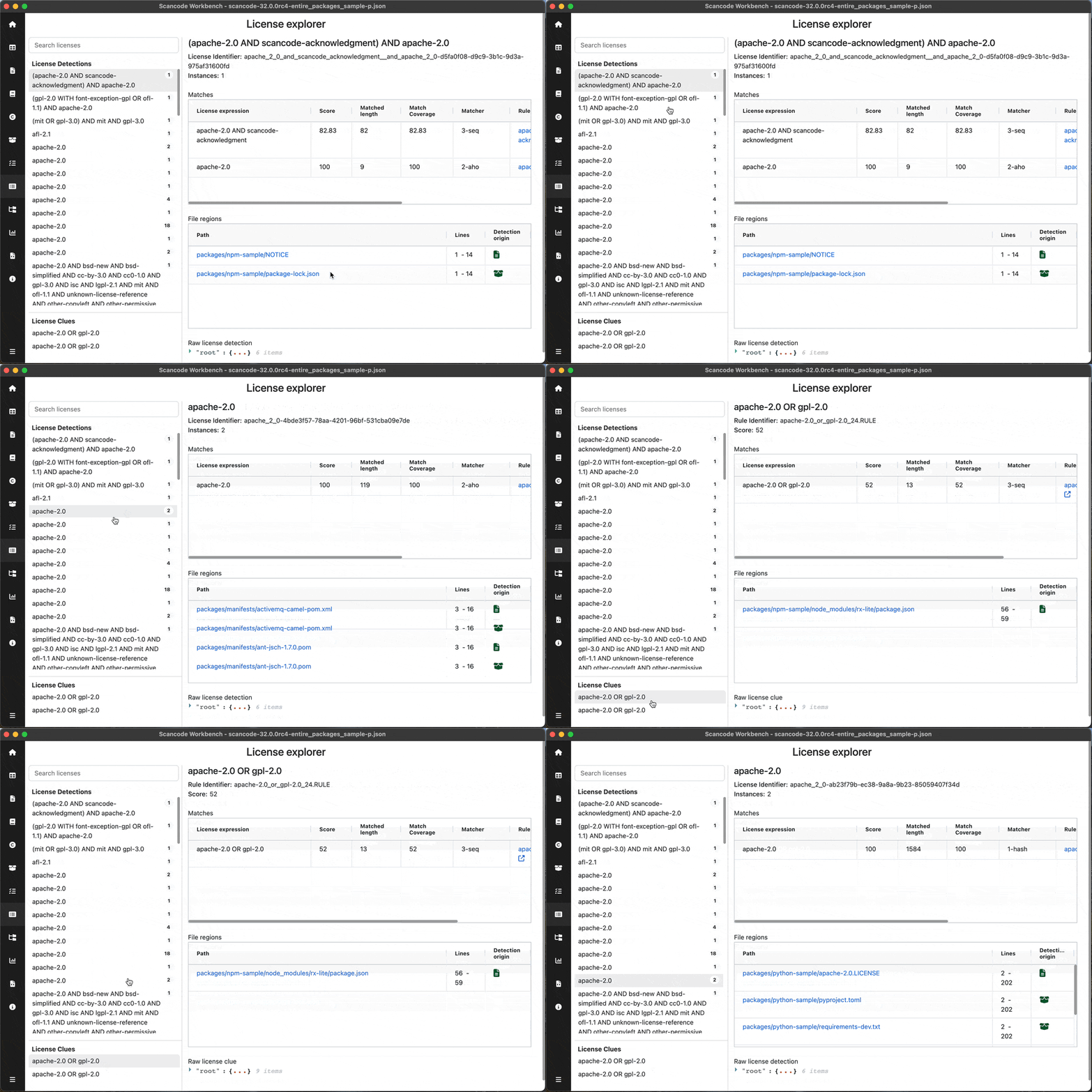
On the left pane, Licenses are shown in two categories: License Detections & License clues. You can select any of these licenses & more detailed information about that license will be reflected on the right
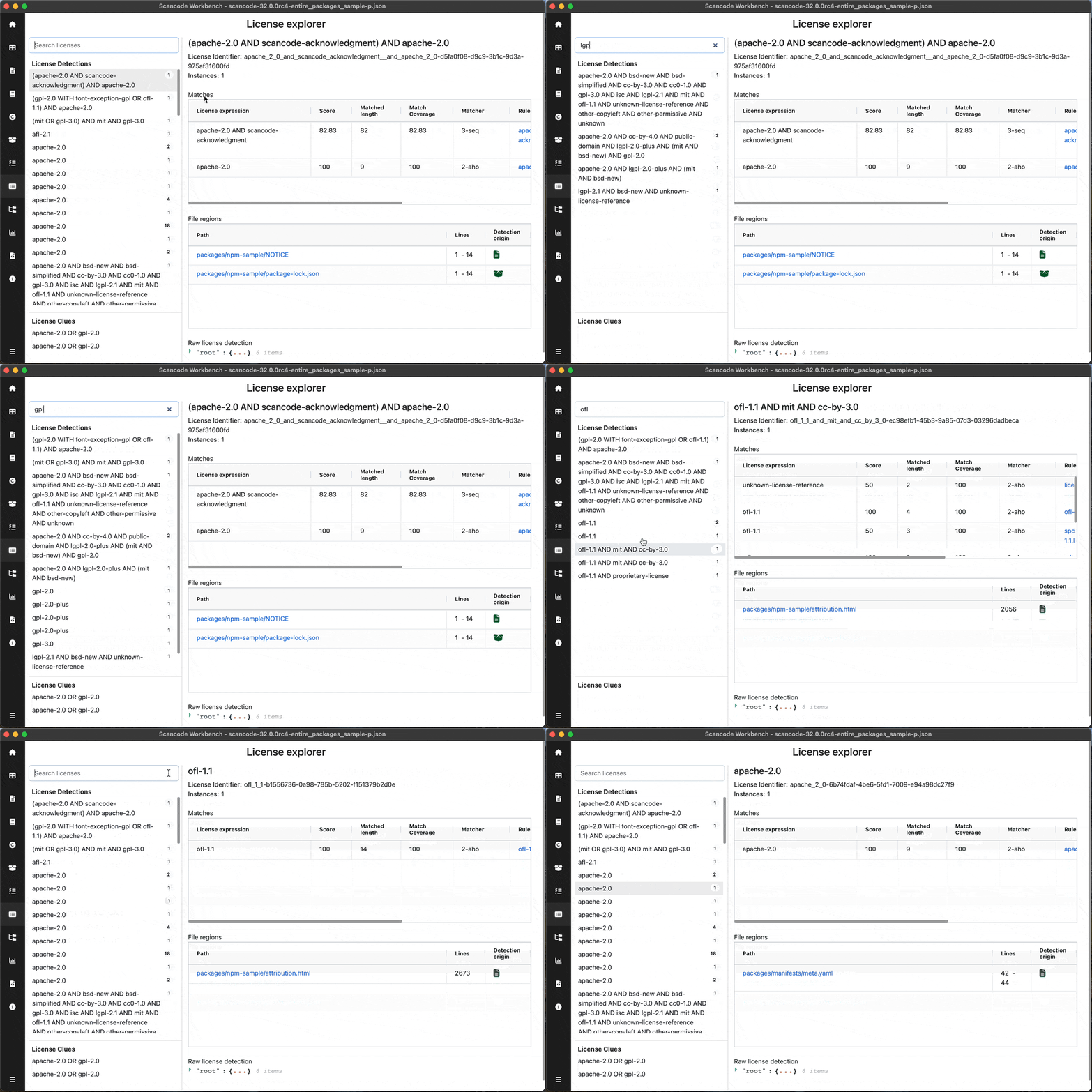
Search Licenses
You can search for any license detecttion / clue by typing in the search box on the top-left
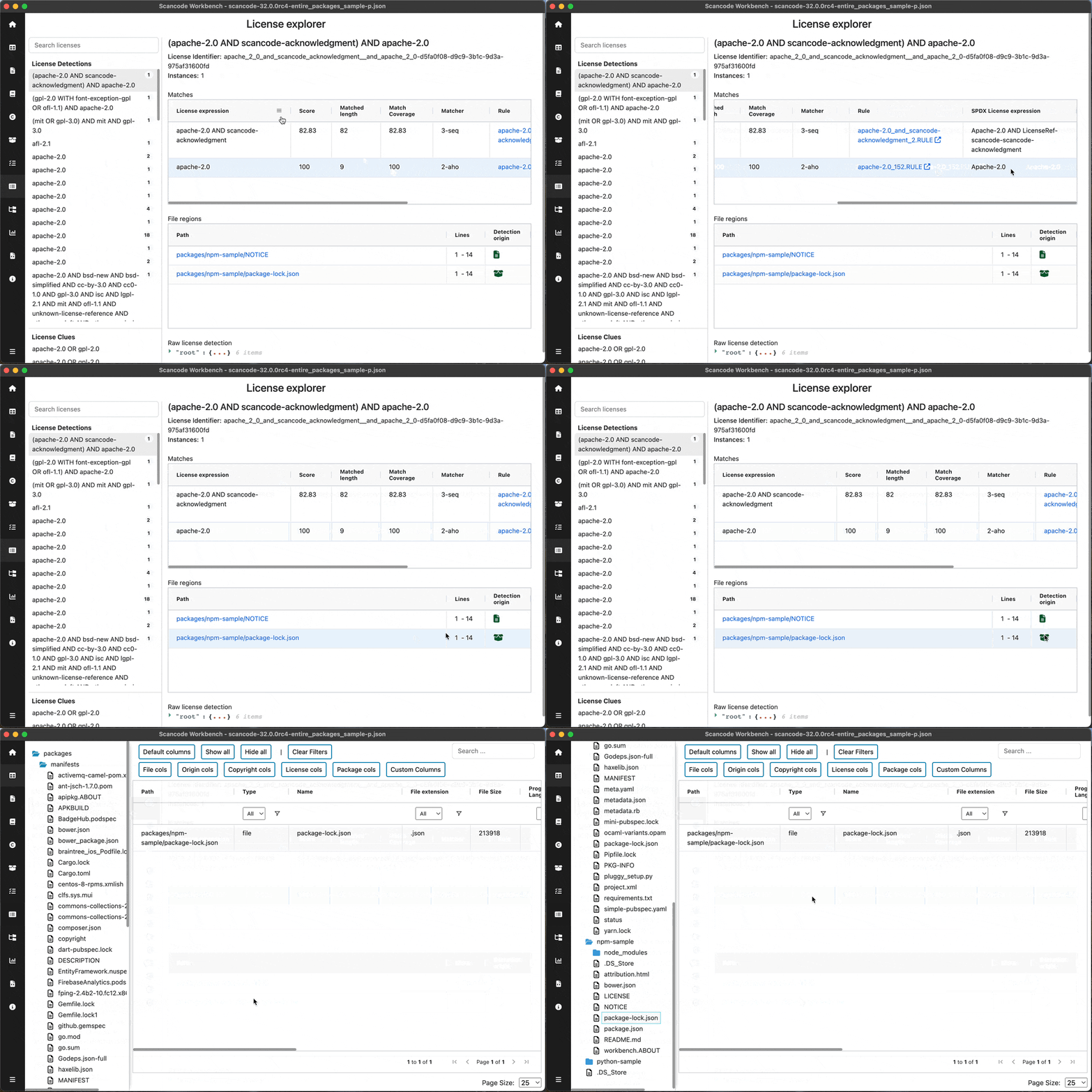
Matches & File regions table
For the selected license, you can view the matches resulting into the detection and the file regions where the license was detected. You can click on the data file path to view that path in Tableview
For entire UI reference, Read License Explorer
Note
Refer the titlebar to see the name of the sample scan used in the screenshot. Sample scans: