Package Explorer
Details of all the Packages & dependencies as well as files in which they were detected can be viewed using the Package Explorer.
Refer - Supported package manifests and package datafiles.
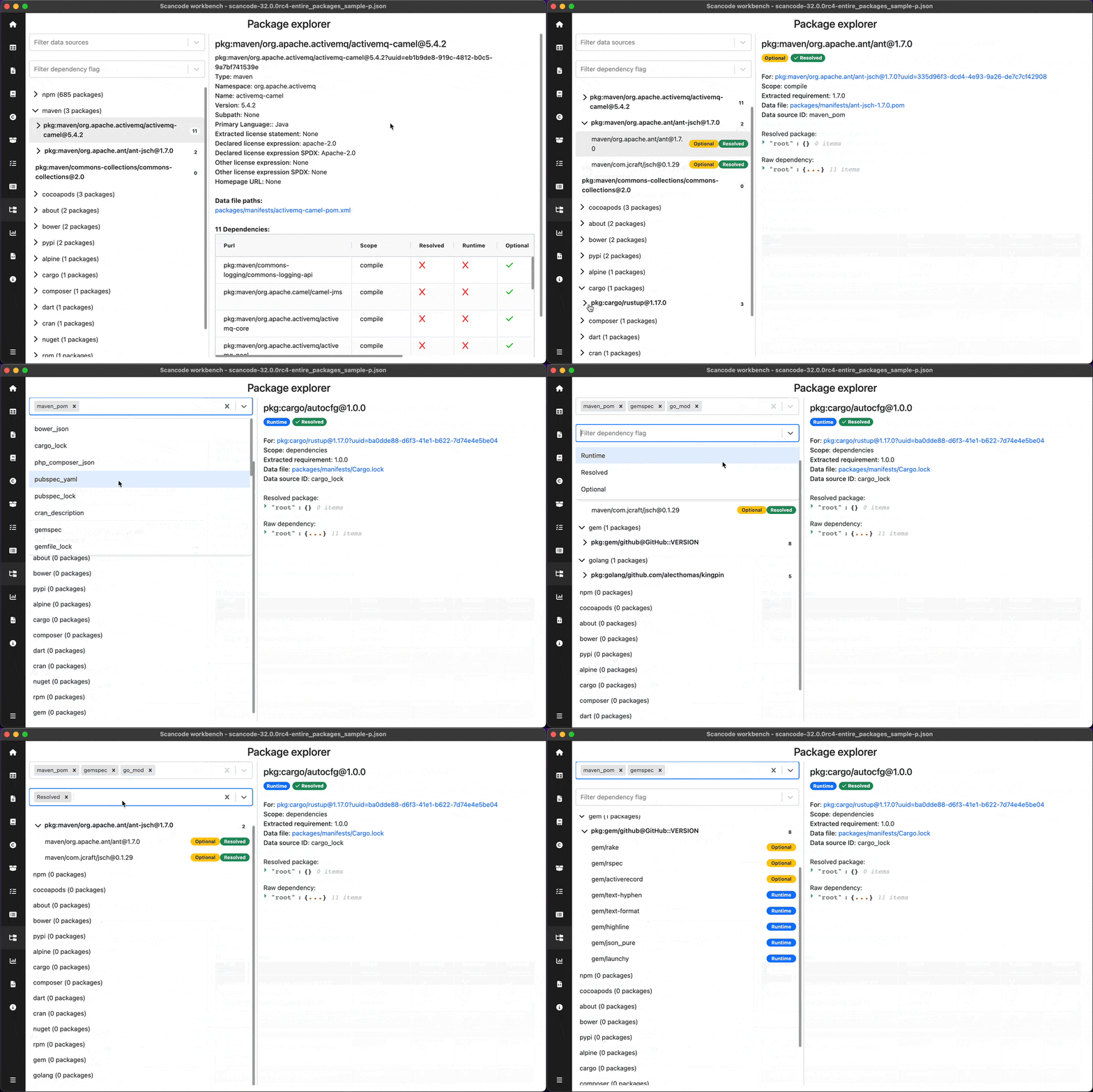
Package Navigation Pane
User can scroll through the packages & dependencies and select particular package to see detailed information in the Details pane. Packages and dependencies are organised in a hierarchical structure as shown below.
- >
Package Type - >
Package (PURL) >
Dependencies
- >
User can select different filters:
Data sources -
maven_pom,go_mod,npm_package_lock_json, etcDependency flags -
Runtime,Resolved,OptionalTip - You can click on the tag on the right side of the dependency to toggle that flag.
The navigation pane’s width can also be adjusted as per convenience.
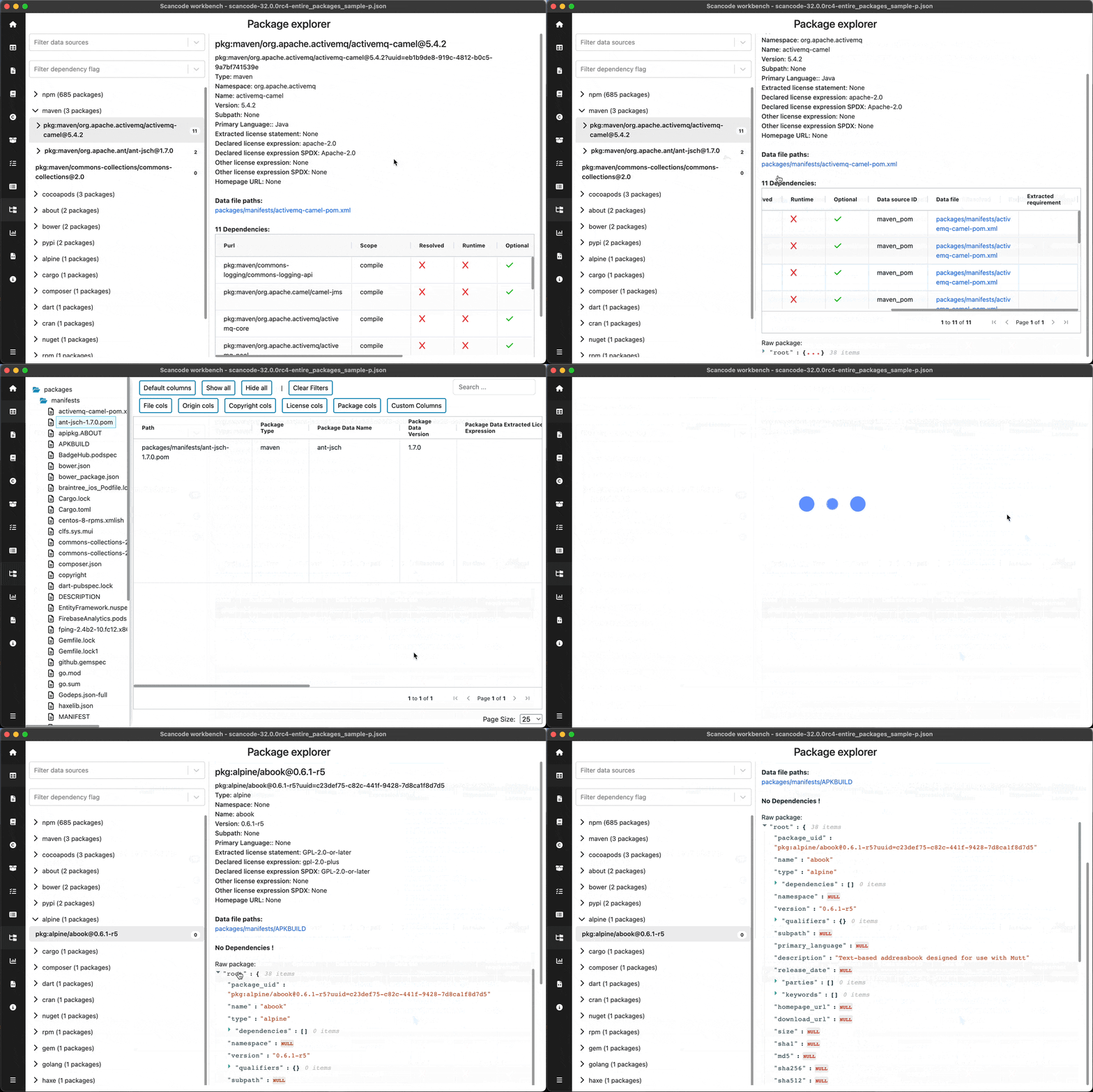
Package Details
User can see following information of the selected package:
Title of details pane- PURLA package URL is used to identify and locate a software package in a mostly universal and uniform way across programing languages, package managers, packaging conventions, tools, APIs and databases.
TypeNamespaceNameVersionSubpathPrimary LanguageExtracted license statementDeclared license expressionDeclared license expression SPDXOther license expressionOther license expression SPDXHomepage URL
Datafile paths
List of paths of datafiles in which the selected package/dependency was detected. User can click on the datafile paths to open that path in the Tableview the match details resulting the selected license.
Dependencies table
User can see all the dependencies of the selected package in the table, with following details:
PurlA package URL is used to identify and locate a software package in a mostly universal and uniform way across programing languages, package managers, packaging conventions, tools, APIs and databases.
ScopeResolvedRuntimeOptionalData source IDData fileExtracted requirement
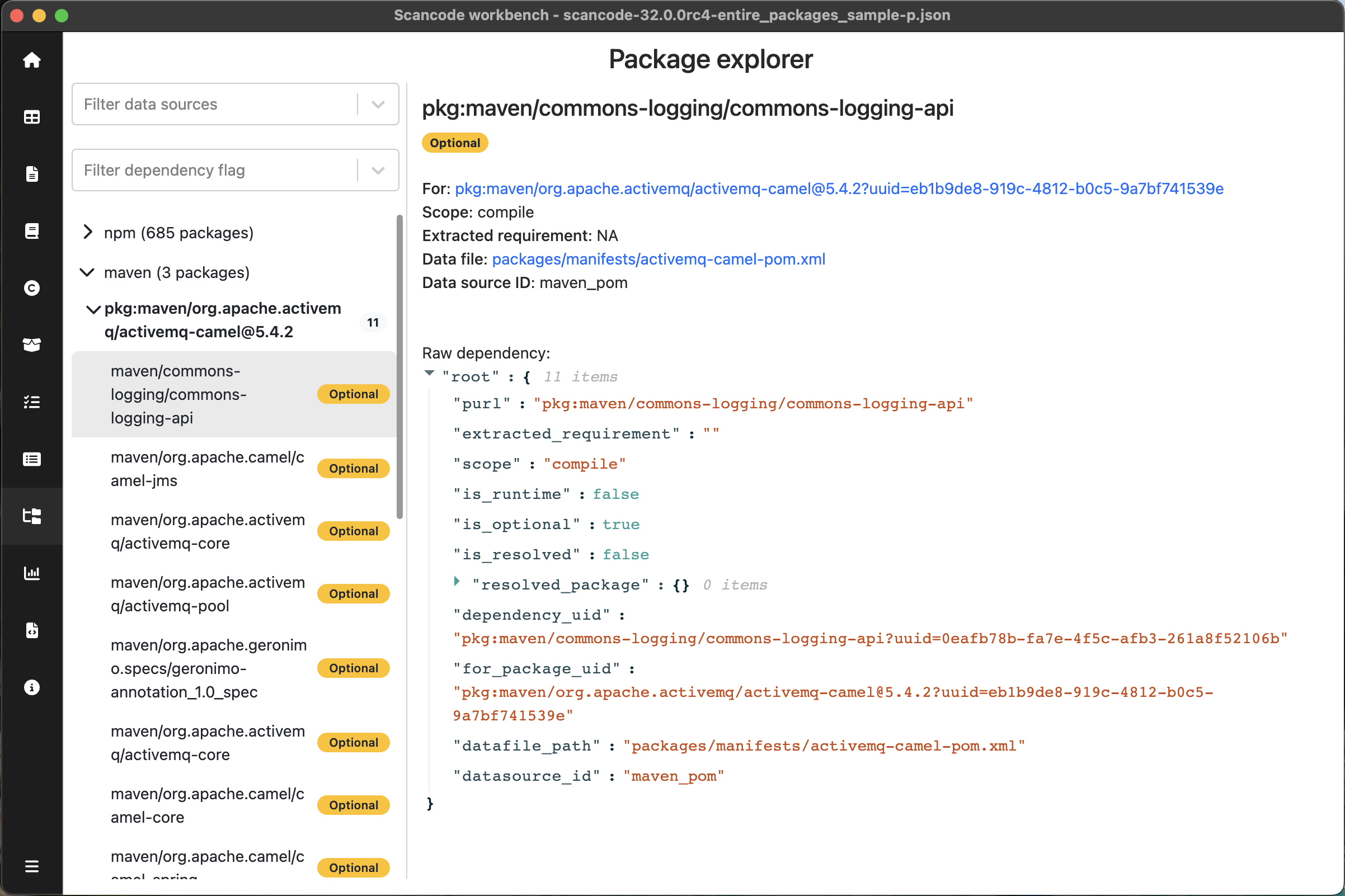
Dependency Details
User can see following information of the selected dependency:
For- PURL of the package for which this dependency was detectedScopeExtracted requirementData file- Clickable datafile path to open the datafile in the TableviewData source ID
The Data file property is a clickable link that opens the Tableview with that file selected.
Note
Refer the titlebar to see the name of the sample scan used in the screenshot. Sample scans: